

Most malware and ransomware infections start through phishing, unsafe downloads, malicious websites, weak privilege controls, and social-engineering pressure that leads to unsafe actions.
How Do I End Up Infected by Malware or Ransomware?
Malware and ransomware rarely appear out of nowhere. Most infections follow predictable paths that can be identified and controlled.
This guide explains where infections start, why users and teams get exposed, and what controls reduce risk fastest.
Use this as Part I of a practical malware-defense sequence before moving to detection and prevention depth.

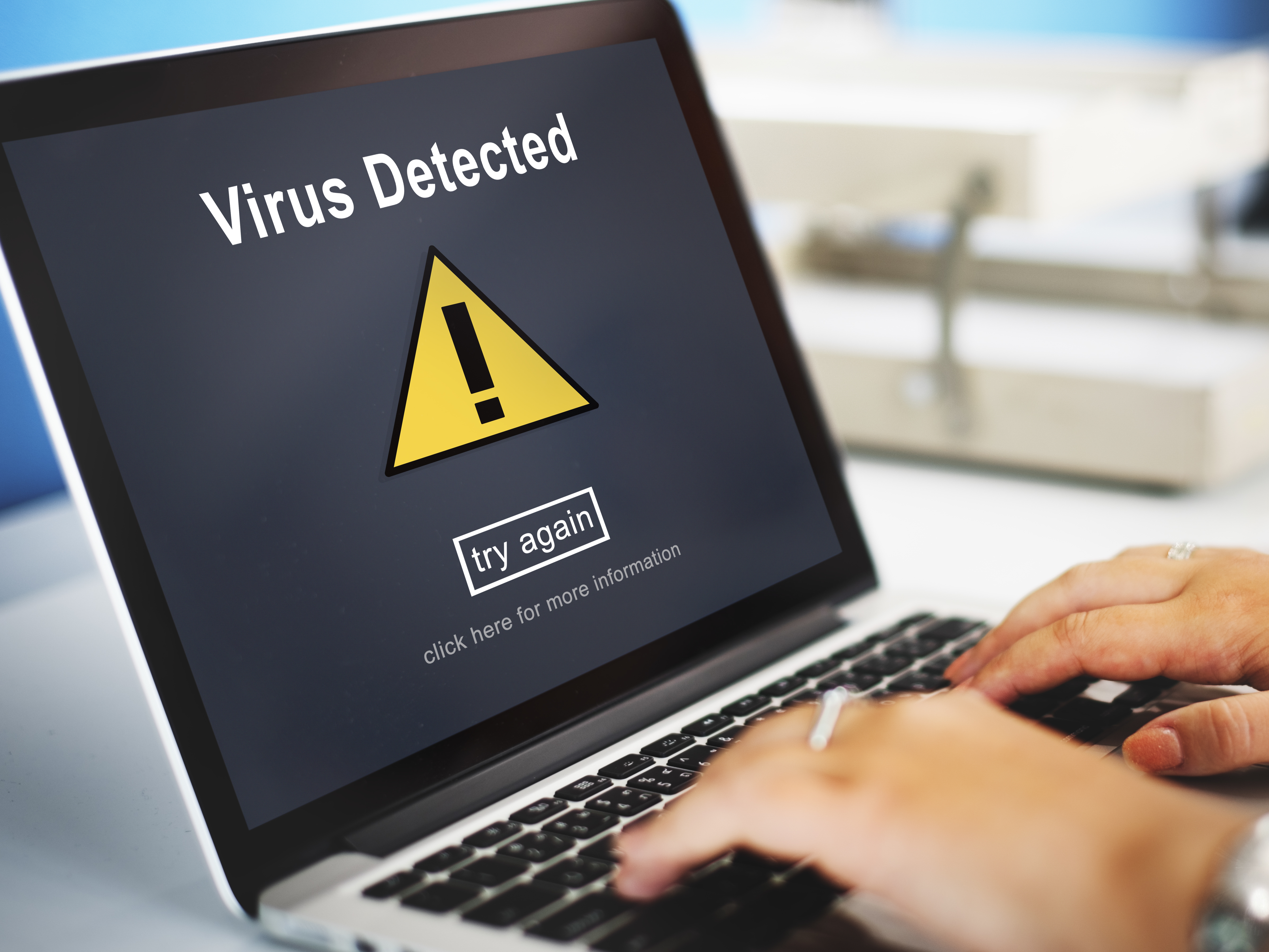
What is the shortest answer to how malware infections start?
Most infections begin when a user or system trusts something it should not trust: an email, a link, a download, a script, a device, or a permission request.
Attackers repeatedly exploit the same channels because they scale well and often bypass weak operational controls.
What are the most common malware and ransomware entry paths?
- Phishing emails with malicious links or attachments.
- Unsafe software downloads, cracks, and fake updates.
- Compromised websites, drive-by downloads, and malvertising.
- Over-privileged apps, scripts, and endpoint permissions.
- Infected USB or shared media introduced into trusted networks.
- Social-engineering pressure that bypasses normal caution.
Why is phishing still the top infection source?
Phishing works because it targets human trust and speed, not just technical vulnerabilities.
- Urgency manipulation: Messages pressure users to act before verifying authenticity.
- Impersonation: Attackers mimic vendors, coworkers, and internal workflows.
- Attachment and link payloads: Office files, archives, and fake portals are used to trigger malware delivery.
How do unsafe downloads and installers infect systems?
Malware is frequently bundled with software that appears legitimate, especially from untrusted sources.
- Trojanized installers: Fake setup packages install malware alongside expected software.
- Cracked tools and keygens: Illegal software channels are high-risk vectors for ransomware payloads.
- Fake update prompts: Users are tricked into installing malicious browser, PDF, or codec updates.
Can a user get infected just by visiting a website?
Yes. Compromised sites and malicious ad chains can trigger drive-by behavior even without intentional software installation.
- Malvertising: Malicious ads redirect browsers to exploit and payload infrastructure.
- Exploit chains: Outdated browsers or plugins can be abused for code execution.
- Credential theft pages: Users are redirected to look-alike portals that capture access credentials.
How do permissions and endpoint hygiene increase infection risk?
Excessive privileges and weak endpoint controls make initial compromise easier and post-infection impact much worse.
- Local admin overuse: Unnecessary admin rights allow malware to disable controls and spread faster.
- Unrestricted script execution: Macros and scripts can execute payloads when policy controls are weak.
- Patch delays: Known vulnerabilities remain exploitable when update cycles lag.
How do USB and removable media spread ransomware?
Infected removable media can bypass perimeter controls and introduce payloads directly into endpoints or segmented environments.
- Auto-run and script payloads: Devices may carry executable content that launches on connection.
- Lateral movement staging: Malware can use shared drives and mapped locations to expand reach.
- Low-visibility introduction: Removable media usage is often weakly monitored in small environments.
What early signs suggest possible infection?
- Unexpected CPU, memory, disk, or network spikes without normal workload reason.
- Unknown processes, services, browser extensions, or scheduled tasks.
- Security tools disabled, tampered, or unable to update correctly.
- Files renamed, inaccessible, or encrypted with ransom notes present.
- Authentication anomalies and abnormal outbound traffic patterns.
Next read: <a href='/blog/cybersecurity/malware-ransomware-how-can-i-tell-if-i-have-a-malware-infection-part-iii' style='color:#4b7b2c; text-decoration:underline'>How to detect malware infection signs (Part III)</a>.
What should teams do in the first 30 days to reduce infection risk?
- Days 1-10: Enforce phishing-safe email handling, block risky attachment types, and tighten URL filtering.
- Days 11-20: Limit local admin rights, control software installation sources, and patch critical vulnerabilities.
- Days 21-30: Run endpoint hardening review, validate backups, and test ransomware response playbook.
Key Takeaways
Malware infections are usually the result of predictable trust failures across email, web, software, and permissions.
The fastest prevention gains come from combining user awareness, endpoint controls, patch discipline, and controlled execution policies.
Continue the series: <a href='/blog/cybersecurity/malware-ransomware-different-types-of-malware-part-ii' style='color:#4b7b2c; text-decoration:underline'>Part II</a>, <a href='/blog/cybersecurity/malware-ransomware-how-can-i-tell-if-i-have-a-malware-infection-part-iii' style='color:#4b7b2c; text-decoration:underline'>Part III</a>, and <a href='/blog/cybersecurity/malware-ransomware-how-to-protect-against-malware-part-iv' style='color:#4b7b2c; text-decoration:underline'>Part IV</a>.
FAQs
What is the most common way malware enters a system?
Phishing remains the top path, especially when users open malicious attachments, click unsafe links, or submit credentials on fake pages.
Can malware infect a device without installing software manually?
Yes. Drive-by behavior, malicious ads, and compromised websites can trigger infection chains even without intentional manual installation.
What controls reduce ransomware entry risk fastest?
Start with phishing-resistant email practices, restricted software installation, least-privilege endpoint policy, and rapid patch plus backup validation.
How quickly can organizations reduce exposure?
Most teams can reduce exposure materially in 30 days by tightening email, endpoint, and privilege controls while running targeted user awareness drills.
Related Resources
Related Posts
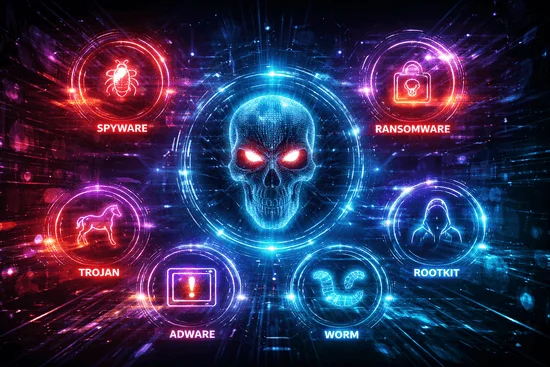
Malware/Ransomware - Different Types of Malware Part II
Part II of the Malware/Ransomware series: different malware types and initial infection vectors (IIV) to help teams recognize how attacks spread.
Read More
Malware/Ransomware - How Can I Tell If I Have A Malware Infection? Part III
Part III of the Malware/Ransomware series: how to detect likely malware infection early and the telltale signs to watch for across performance, pop-ups, crashes, disk usage, network...
Read More
Malware/Ransomware - How To Protect Against Malware Part IV
Part IV of the Malware/Ransomware series: practical anti-malware controls and business-focused steps to reduce ransomware and malware risk.
Read More
GRC Insights That Matter
Exclusive updates on governance, risk, compliance, privacy, and audits — straight from industry experts.